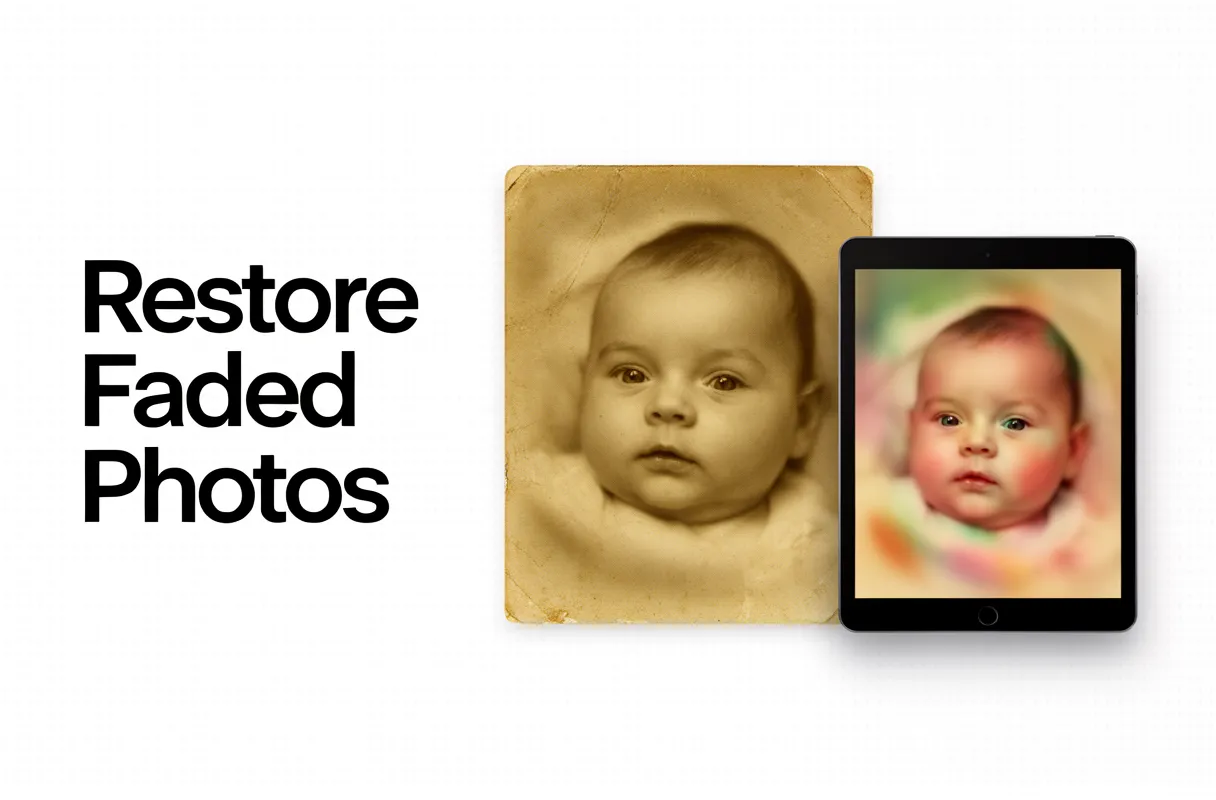
To repair old childhood pictures and colorize vintage baby photos with AI, you must first carefully digitize them using a modern smartphone scanning app, then upload them to a dedicated AI restoration platform. This entire process typically takes under 15 minutes and requires minimal technical skill.
What You Need:
- A modern smartphone (ideally under two years old for optimal camera quality).
- A dedicated scanning app (e.g., Google PhotoScan).
- A clean, well-lit surface for accurate photo digitization.
- An active internet connection.
- Credits for an AI photo restoration service.
You likely have a box of precious, faded baby photos tucked away, slowly deteriorating. These physical prints curl, scratch, and lose their vibrance over time. Most people feel these memories are lost forever, or dread the considerable expense of traditional, manual restoration. Manually trying to repair old childhood pictures can easily cost hundreds of dollars and take weeks to complete. AI photo restoration offers a powerful, instant solution.
By the end of this guide, you will have stunningly restored, vibrant versions of your cherished baby photos, ready to be shared digitally and treasured for generations. You will effectively restore faded baby polaroid online, bringing them back to life.
Preparing Your Physical Baby Photos for AI Restoration
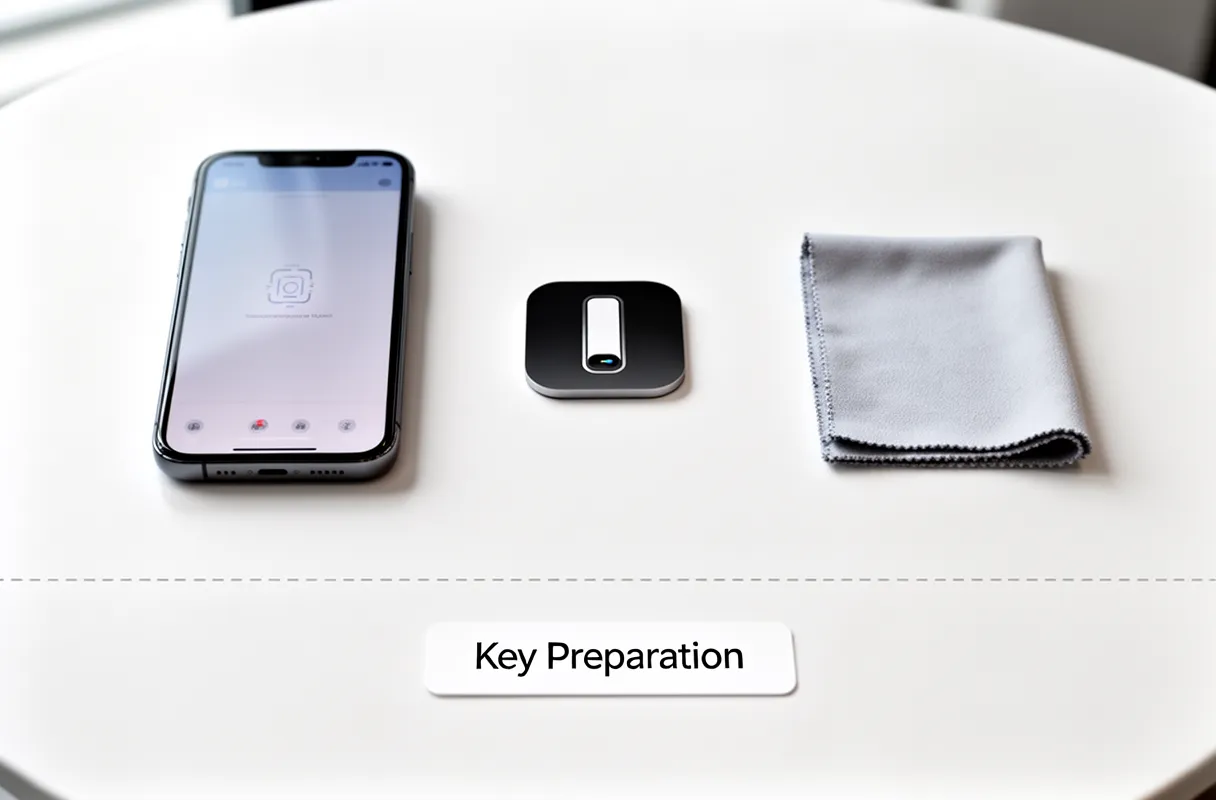
Here are the three essentials you'll need:
- A modern smartphone: Your phone is your scanner. Make sure it has a decent camera – models less than two years old generally perform best.
- A reliable scanning app: Tools like Google PhotoScan use computational photography to combat glare and distortion, which is critical for shiny prints and Polaroids.
- A clean, flat surface: A dust-free table provides a stable, controlled environment for scanning.
Think of AI as a master restorer, but even they need good raw material. AI excels at fixing faded colors, scratches, and subtle damage that obscure details. However, it cannot invent content that is completely missing or physically destroyed. Proper physical preparation prevents irreversible damage that even the most advanced AI cannot overcome. This initial step is your bedrock for high-quality restoration.
Safe Handling and Pre-Digitization Cleaning
Handling your old baby photos requires a gentle touch. Think of them as delicate butterflies; a rough grab can tear fragile wings. Your goal is to prepare them for digitization without causing new damage. This means taking the time to carefully assess each picture before you even think about scanning.
This pre-digitization cleaning is not about making them look perfect now, but about ensuring you have the best possible source material for AI. AI can do wonders to repair old childhood pictures, but it can't magically fix damage you inflict during handling.
Here’s how to handle them safely:
- Clean Hands are Paramount: Always wash and thoroughly dry your hands before touching photographs. Oils from your skin can transfer and cause long-term damage. Consider wearing lint-free cotton gloves for an extra layer of protection, especially for very old or brittle prints.
- Work on a Flat, Stable Surface: A clean, dry table or desk provides a stable platform. Avoid scanning from your lap or a soft surface that can cause distortion.
- Gentle Separation of Stuck Photos: If photos are stuck together, do not force them apart. Instead, try gently sliding a thin, flat, non-metallic object (like a plastic photo spreader or a very thin, flexible plastic ruler) between them. Sometimes, a controlled environment with slightly higher humidity can help loosen adhesives over time, but proceed with extreme caution. Never use tape or sticky substances.
- Delicate Dusting: For surface dust or debris, use a soft, clean camel hair brush or a can of compressed air (held upright and at a distance). Never use a dry cloth, as it can scratch the emulsion.
- Flattening Warped Prints: If prints are significantly curled, place them under light, clean weights (like books covered in acid-free paper) on a flat surface for a few days. Avoid extreme heat or direct sunlight, which can worsen damage.
AI restoration tools are powerful for bringing faded colors and obscured details back to life. However, preventing further physical damage is your most critical first step. This careful handling ensures the AI has clear, unmarred data to work with, leading to the most authentic and beautiful results for your cherished memories.
Digitizing Faded Baby Polaroids and Prints
Capturing those precious baby Polaroids and faded prints digitally requires a careful approach. Use a modern smartphone with a good camera and a dedicated scanning app. Apps like Google PhotoScan employ computational photography, cleverly combining multiple shots to eliminate distracting glare and perspective distortions from shiny surfaces. This means your digitized memories appear as flat and clear as possible.
Here's how to get the best digital copy:
- Prepare Your Space: Find a well-lit area, preferably with diffused natural light.
- Position the Photo: Lay the print flat on a contrasting, non-reflective surface.
- Open Your App: Launch Google PhotoScan or a similar app.
- Scan: Follow the app's on-screen guides. It will likely prompt you to take photos from different angles.
- Review and Save: The app will process the images into a single, enhanced file. Save it in the highest resolution available.
For comprehensive guidance on digitizing old photos using a smartphone, refer to this detailed guide.
Pro Tip: A smartphone camera released within the last two years will offer superior quality for this task. Aim for the highest quality digital file possible, as this provides the best foundation for subsequent AI restoration. This ensures you can restore faded baby polaroid online with the most detail.
AI-Powered Restoration: Reviving and Colorizing Memories with BringBack AI
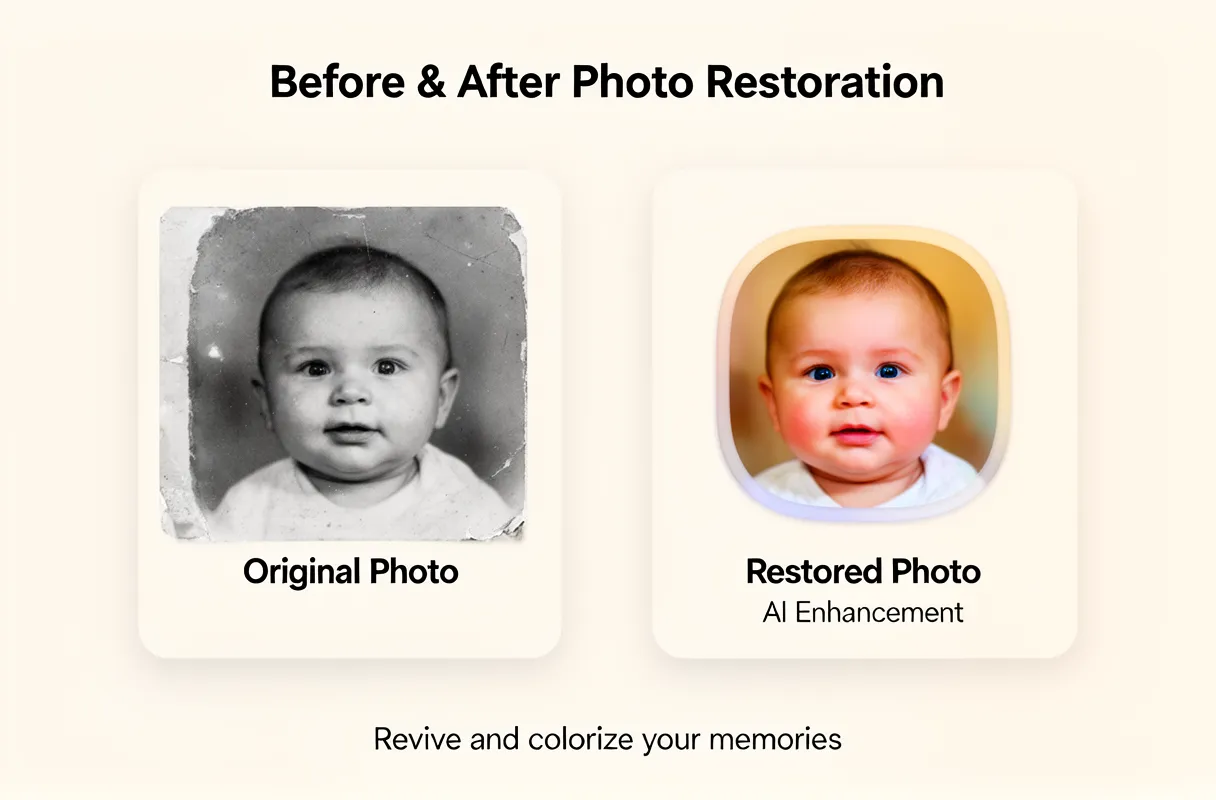
Our platform, BringBack AI, makes this process incredibly simple and accessible. You can instantly revive your most cherished memories with just a few clicks.
Here’s how to bring your old photos back to life:
- Upload your damaged or still photo.
- BringBack AI processes and restores/animates the image automatically.
- Download your high-resolution photo or animated video.
It's that easy to colorize vintage baby photos AI and see them as they once were.
You'll find our pricing is designed for flexibility. The Restoration Starter is $4.99 for 4 credits, the Value Pack is $9.99 for 20 credits, and the Family Pack is $21.99 for 60 credits. Each credit is used for one old photo restoration, ensuring clear value. Discover more about restoring your precious old photographs with AI technology. Discover more about restoring your precious old photographs with AI technology.
Our goal is to help you preserve those irreplaceable moments, offering a simple yet powerful way to ensure your family's history remains vibrant.
Choosing the Right AI Tool and Understanding Feature Differences
Selecting an AI photo restoration tool depends on your specific needs, much like choosing the right tool for a delicate repair. Some tools excel at bringing back faded colors, while others focus on mending severe physical damage. It's essential to understand these differences before committing your precious memories.
Many free online tools offer basic enhancements, but they often come with limitations. These typically include lower download resolutions, prominent watermarks, and restricted daily usage. Paid subscriptions or credit systems, like those offered by BringBack AI, provide greater flexibility and higher quality output.
Here's a look at how different tools stack up:
| Feature/Tool | BringBack AI (Credits) | Evoto AI | LetsEnhance.io | Canva Magic Studio (Pro) |
|---|---|---|---|---|
| Primary Focus | Restoration, Colorization, Animation | General Enhancement, Ease of Use | Upscaling, Sharpening, Old Photos | Design, Editing, AI Tools |
| Pricing Model | Credit Packages (1 Credit/Photo) | Subscription tiers, Pay-as-you-go | Subscription tiers, Credits | Subscription (Canva Pro) |
| Download Quality | High-Resolution | High-Resolution | High-Resolution | High-Resolution |
| Watermarks | None | None | None | None (with Pro subscription) |
| Ease of Use | Simple Upload & Process | Recognized for Ease of Use | Moderate, dedicated models | User-friendly, integrated |
| Special Features | Animation, Colorize vintage baby photos AI | AI Portraits, Background Removal | 'Authentic mode' toggle | Magic Edit, Magic Expand |
Evoto AI, for instance, is frequently praised for its user-friendliness, making it a strong contender if simplicity is your priority. Over 1 million photographers use the platform, recognizing its straightforward approach. LetsEnhance.io, on the other hand, offers specialized models, including a dedicated one for old photos, complete with an 'Authentic mode' toggle. This feature helps maintain the original feel of the photograph, preventing an overly processed look. Exploring advanced tips for colorizing black and white photos can also lead you to discover how tools like this can aid in genealogical research.
Canva's Magic Studio, accessible via its Pro subscription, bundles several AI tools like Magic Edit and Magic Eraser. While powerful for general design and image manipulation, its photo restoration capabilities might be less specialized than dedicated platforms. For truly impactful restorations, especially when dealing with severe fading or complex colorization needs, consider the specific functionalities.
Addressing Common Challenges and Privacy Concerns
When AI restoration doesn't quite hit the mark, unexpected results can be frustrating. Common issues include an over-processed, 'plastic' look on faces or unnatural color casts. Artifacts or strange textures can also appear.
Here's how to tackle these common restoration hurdles:
- Over-processing: Dial back intensity settings if your tool allows. Some platforms offer different "strength" levels.
- Unnatural Colors: Look for manual color balance or hue adjustments. Sometimes, a subtle touch-up is needed.
- Artifacts/Grain: Try a different AI model or tool. For instance, LetsEnhance's 'Authentic mode' toggle can sometimes smooth out rough AI output.
- Facial Distortion: This is tricky. Use tools that focus on facial enhancement specifically, or be prepared for manual correction.
Dealing with privacy across various AI platforms requires vigilance. While many promise security, the reality can differ. It’s important to understand how your images are used.
Evoto AI, for example, explicitly states its commitment to user privacy. They affirm that user images and data are not used to train generative AI models without explicit permission. This is a key distinction from platforms where your uploads might contribute to a broader AI learning pool.
However, some AI platforms, like Nano Banana via Higgsfield, may encounter 'sensitive materials' checks. This can lead to restoration failures for historical images that might be misconstrued by automated filters.
For a detailed understanding of what AI photo restoration can and cannot fix, especially concerning severe damage, consult this resource: what AI photo restoration can and cant fix.
The Honest Tradeoff: While AI offers speed and convenience, it struggles with severe damage where original content is truly lost (e.g., significant foxing, mold, or fire damage). Be aware that some platforms may also trigger 'sensitive materials' checks for historical images, causing restoration failures.
Beyond Restoration: Secure Storage and Ethical Preservation
1. Best Practices for Digital Photo Storage
You need a multi-layered approach for robust photo security. This means avoiding a single point of failure.
- Cloud Storage: Services like Google Photos, Dropbox, or iCloud offer convenience and automatic syncing across devices. They are good for accessibility but can be vulnerable to account breaches or company policy changes.
- Local Storage: External hard drives or Network Attached Storage (NAS) devices provide direct control over your files. They are immune to online breaches but can fail physically or be lost/stolen.
- The 3-2-1 Backup Rule: For true peace of mind, follow this proven strategy: maintain at least three copies of your data, on two different types of media, with one copy stored offsite. This could mean your main computer, an external drive, and a cloud backup.
2. Ethical Considerations in AI Restoration
When AI reconstructs elements, especially faces, you balance historical fidelity with artistic enhancement. It's crucial to understand that AI is inferring missing details based on patterns.
It can sometimes create an unintentionally altered or even fabricated likeness, especially if the original damage is severe. For situations demanding absolute historical accuracy, or when dealing with extensive damage like water stains or mold, consider professional manual restoration. This gives you finer control for complex fixes. You can learn more about advanced restoration techniques, including how to fix water-damaged photos with AI, in our guide on fixing water-damaged memories.
3. Maintaining Authenticity
While AI offers speed and impressive results, always review the final output critically. Compare the restored image to any existing references you might have.
For highly specialized needs or when the original data is critically degraded, traditional software like Adobe Photoshop or GIMP offers granular control for skilled retouchers. These tools allow for precise manual adjustments where AI might falter, ensuring the highest level of historical accuracy.
With your memories safely stored and ethically preserved, you have created a lasting legacy. You’ve successfully moved beyond mere restoration to true preservation.