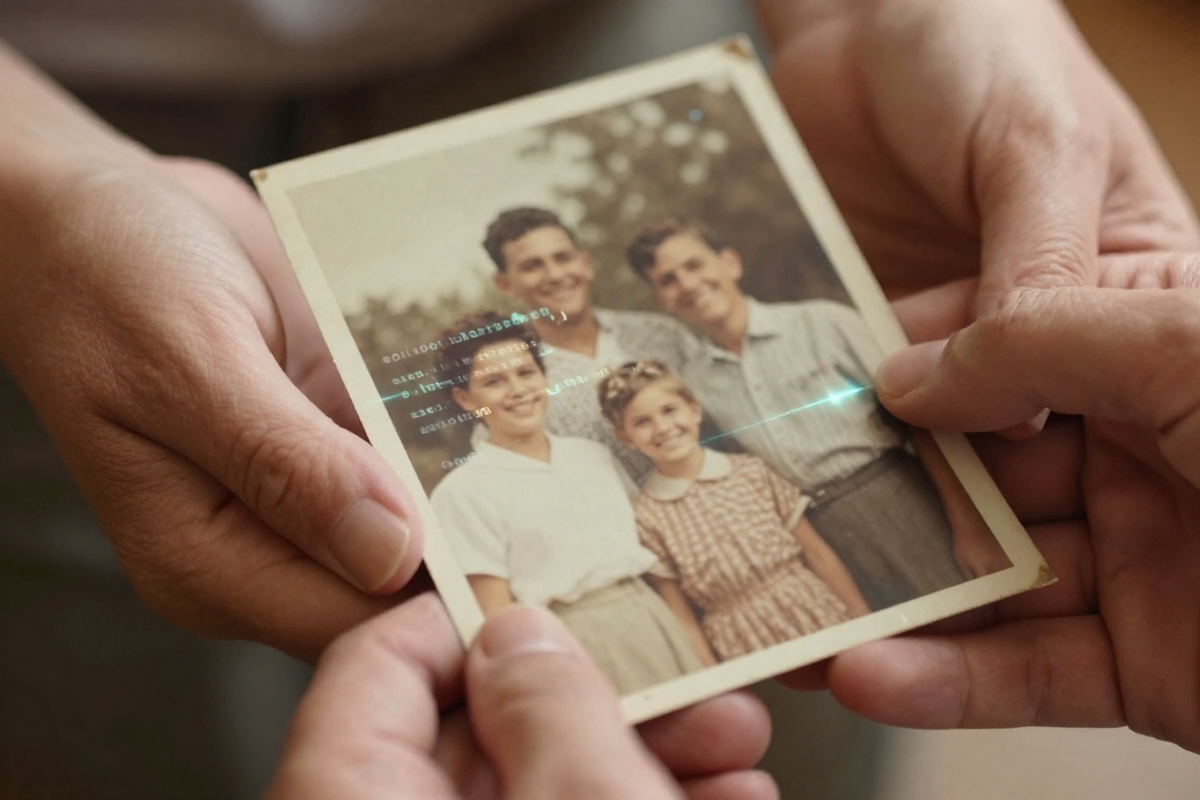
If you’re looking for a quick filter to slap on a blurry vacation snapshot, expecting a single tap to fix a century of decay, basic apps work fine. They’re cheap, often free, and offer a superficial edit. But that convenience comes at the cost of genuine depth. You get a slightly sharper image that lacks the soul and historical integrity of the original. It fails to connect you to the past.
The photos you hold dear aren’t just pixels. They are fragments of family history, whispers of loved ones, and echoes of moments that shaped your story. These are precious memories requiring authentic restoration and vivid re-animation.
We built BringBack AI as a dedicated service for those sacred images. Our platform focuses on meticulously reviving fragile remnants, acknowledging that every faded crease holds a narrative. We preserve history; we don’t just edit pixels. Our AI photo restoration online techniques are built on a foundation of technical precision.
We go beyond mere restoration. We resurrect smiles, relight eyes, and transform still images into moving, breathing moments. Our Nostalgic Hug Video Generator creates animated videos designed to evoke the warm, familiar feeling of a reunion. It offers a new way to interact with restored old family photos.
The 2025 Buyer’s Guide: 4 Pillars of AI Photo Restoration
Navigating AI restoration is difficult when marketing noise drowns out technical reality. How do you choose a tool that honors your memories?
Restoration Quality: Beyond a “Sharpen” Filter
The first pillar is the quality of the restoration itself. This goes beyond removing a few scratches. Look at how the system handles color fading, significant structural damage, and facial reconstruction.
Many tools offer basic enhancements, but few recapture original vibrancy without creating a “plastic” look.
Demand before-and-after examples showing natural texture. For example, LetsEnhance uses an “Authentic mode” to help preserve the original feel. This is the standard you should look for.
Animation Realism: Breathing Life Responsibly
AI animation has exploded, but the results often fall into the “uncanny valley.”
Does the movement feel fluid, or is it creepy? Pay attention to facial expressions and eye movements. The goal is warmth and connection, not an unsettling puppet effect.
Data Privacy: Your Memories, Your Control
User privacy is a necessity. These tools process your family’s history.
Review the privacy policies before uploading. Understand exactly how your data is stored and protected. Choose services that prioritize user control and transparent data handling.
Ease of Use: From Upload to Reunion
A powerful system is useless if the interface is confusing.
The best tools offer an intuitive, step-by-step process. We believe in making these tools accessible to everyone. Learning how to use AI photo animation to make old photos move and smile should be intuitive for a non-technical user.
Test these criteria by uploading a sample photo to different platforms. Don’t just look at the final result—watch the entire process. Which tool feels like it respects the emotional weight of your memories?
Comparing the Top AI Restoration & Animation Tools
| Tool Name | Platform | Pricing |
|---|---|---|
| BringBack AI | Web | Starts at $4.99 |
| Photo Revive AI | iOS / macOS | Starts at $3.49/week or $39.99 lifetime |
| Renew | iOS | $9.99/week or $49.99/year |
| LetsEnhance | Web | 10 free credits; Plans start at $9/mo |
| HitPaw (FotorPea) | Windows / Mac / iOS | Starts at $27.99/mo (PC) or $162.99 lifetime |
Our system and Photo Revive AI are the only services offering a dedicated mobile-friendly experience.
Photo Revive AI is exclusively iOS. Renew focuses on Android. LetsEnhance and HitPaw are web-based, though HitPaw offers a desktop version for local processing—an advantage if you refuse to upload sensitive photos to the cloud.
The real differentiator is pricing. You should know exactly what you’re paying for. Many services hide fees until after you’ve invested time processing images. We are upfront about costs.
Photo Revive AI and Renew face criticism in user reviews for opaque pricing models and unexpected charges. Surprises are fine for birthdays, but not for your heritage.
Deep Dive: Why Our Approach Leads the Pack
We didn’t build a tool to “fix” photos. We built it to rekindle connections.
Our workflow follows three steps: Upload, AI Restoration, and Animate Memories. This streamlines the journey from a faded image to a cherished moment.
First, you upload the photo to our secure servers. Our algorithms then restore colors, remove blemishes, and sharpen details. This goes beyond basic editing. We revive the image’s original beauty.
The ‘Animate Memories’ feature breathes life into the restoration. You see loved ones move and smile. Our system “captures” the subject’s essence instead of creating a caricature.
Our AI photo restoration online service ensures memories are brought back to life and protected.
The caveat? The platform works best with relatively well-preserved photos. Severely damaged images may require manual intervention, but the AI’s capabilities are often surprising.
The Identity Lock Advantage
What happens when the AI has to fill in missing details?
Standard upscaling produces generic, “smoothed-out” faces. We use an Identity Lock. This ensures the restored individual remains recognizably themselves.
Our system analyzes the underlying structure of the face, preserving the shape of the eyes, the set of the mouth, and the bone structure. Without this, you get a moving image that only bears a passing resemblance to your relative.
We prioritize authenticity over artificial perfection. Identity Lock guarantees a faithful restoration.
The ‘Nostalgic Hug’ Video Generator
Most face animators like Revive or Reface offer simple head tilts. They lack emotional resonance. They animate the face only, resulting in a detached effect.
Our technology considers the entire person.
We incorporate subtle body language and realistic expressions. This nuanced approach helps evoke joy and nostalgia. It offers something traditional animation tools can’t.
Reviewing the Competitors: When to Use Other Tools
Our system isn’t the only choice. The “best” app depends on your needs.
If you want instant gratification and don’t mind lower quality, mobile apps like Photo Revive AI or Renew work. The convenience of a smartphone tool is undeniable.
But understand the trade-offs. Mobile apps often lack the nuanced control of professional web services or desktop software like HitPaw. Mobile processing power is limited.
Mobile apps are also notorious for data collection. Read the fine print.
If you value affordability and speed, use a mobile app. If you are serious about preserving family history with archival quality, use a dedicated service.
Photo Revive AI: The iPhone Creator’s Choice
This is a solid option for the Apple ecosystem. It integrates advanced video engines like Pixverse to power mobile animations.
This is a major advantage for content creators. It also supports 13 different languages and includes a text-to-video feature for personalization.
LetsEnhance: For Batch Processing and ‘Authentic Mode’
LetsEnhance shines when you need to process large numbers of photos. The platform offers batch processing for extensive archives.
They offer specialized ‘Old Photo’ models designed for high-resolution upscaling for professional printing. This is the move if you want physical prints. Their “Authentic mode” avoids the over-processed look by retaining original character.
The Missing Layer: Ethics, Privacy, and Accuracy
AI makes assumptions. It fills gaps based on training data and presents a version of the past that may not be accurate.
The biggest risk is historical revisionism. AI colorization guesses original colors based on probabilities, not historical evidence.
These guesses can perpetuate stereotypes. An AI might colorize skin tones based on regional biases. Users must maintain a critical eye and cross-reference with historical sources.
Data security is the second concern. Cloud-based tools raise privacy questions. Understand the privacy policies and security protocols of any tool you choose.
We use advanced models but provide tools for manual correction and verification. We offer secure storage to give you complete control.
How Colorization Models Determine Accuracy
AI colorization models learn relationships between grayscale tones and colors by analyzing vast datasets. They reverse-engineer colors based on chemical traces in the black and white image.
Specific chemical compounds in older film react differently to light wavelengths, leaving “signatures.” The AI compares these to its database.
This isn’t foolproof. The AI makes educated guesses. We prioritize historical realism by providing tools to manually adjust colors based on your own research.
Data Privacy: Who Owns Your Family Memories?
Free apps often monetize by selling user data. Your family memories could be used for targeted advertising.
Investigate the privacy policy before uploading. Beware of vague language giving the app broad rights over your images.
We prioritize secure, private processing. Your photos are used solely for restoration and are never shared. Our platform uses data encryption during upload and storage.
Workflow Comparison: Speed vs. Precision
Do you want speed or quality?
Apps like Revive prioritize a “fast and fun” experience. This inevitably leads to lower output quality.
BringBack AI is designed for high-precision results. Taking the time to adjust settings yields a superior final product.
Mobile apps also use heavy compression to save space, which degrades image quality. We use lossless compression to preserve detail. You choose to slow down to appreciate the finer details.
Verdict: Which Tool Should You Choose?
Don’t expect miracles from AI alone. The best results require effort.
- Best for Beginners: Photo Revive AI. Minimal learning curve for quick animations.
- Best for Realistic Animation: BringBack AI. We prioritize full-body movement and accurate facial expressions.
- Best for Severely Damaged Photos: BringBack AI. Identity Lock ensures recognizable results even with heavy damage.
- Best for Batch Processing: LetsEnhance. Their bulk processing is the most efficient for large archives.
Best for Sentimental Value: BringBack AI
Our system stands alone in creating realistic face animation by capturing personality, not just movement.
For a tangible sense of reunion, the Nostalgic Hug generator provides a depth of emotion missing from basic apps. Learn how to use AI photo animation to make old photos move and smile. The result is more than a moving picture; it’s a digital embrace.
Best for Casual Social Sharing: Photo Revive AI (iPhone)
This is essentially a meme machine for old photos. Its interface is ideal for creating TikTok or Instagram content. If you want a quick viral video of a relative, use this.
Don’t expect museum quality. The focus is speed, simplicity, and bite-sized entertainment.
Best for Severe Damage Restoration: HitPaw Photo Enhancer
HitPaw is the go-to for salvaging photos with physical destruction.
Its strength lies in specialized AI models for water damage and severely faded photos. The desktop version processes sensitive photos locally, which is a major win for privacy.
Frequently Asked Questions
What’s new in BringBack AI v2.0?
Version 2.0 focuses on elevated realism. We refined facial reconstruction to minimize “smoothed-out” effects. We also improved colorization accuracy for more vibrant, historically grounded images.
How do I choose the right AI model for my photo?
Assess the condition. Is it faded, torn, or water-damaged? Our platform offers models tailored to specific issues. Experiment with settings. Using the wrong model can make the image worse.
For wedding photos, consult our guide on how to restore great grandparents wedding photos with ai.
Is AI photo animation safe?
It depends on the tool. Many services sell user data.
BringBack AI uses secure, private processing. Your photos are never shared. Before uploading, review the privacy policies. Protect your memories.