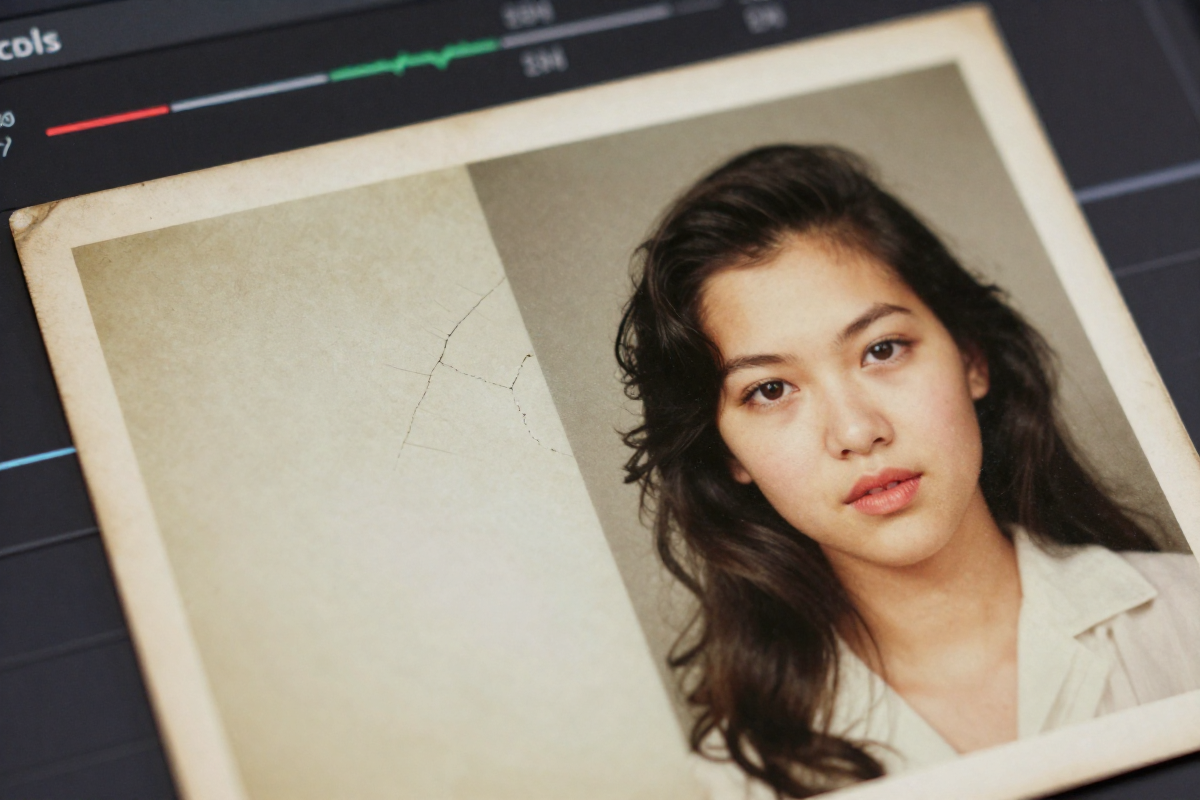
January 2026 marks the end of resolution limits. Even pixelated snapshots—like great-grandparents wedding photos—can now scale for wall-sized canvas. We aren't just stretching pixels anymore; we’re predicting them.
Traditional resizing methods fail because they rely on simple math. Nearest-Neighbor creates blocks. Bilinear blurs. Bicubic is too soft. Modern predictive AI utilizes neural networks trained on millions of images to add the specific details a high-resolution version would have had.
Forget the 300 PPI "requirement." We consistently find that 150 PPI is indistinguishable to the human eye from normal viewing distances. This single technical shift allows for prints twice the size you previously dared.
Beyond Simple Resizing
Resizing merely changes the display size by stretching the existing pixel grid. True upscaling hinges on intelligent interpolation.
Machine learning algorithms recognize patterns and add new pixels based on the most likely representation of the original scene. It is reconstruction, not enlargement. If you are working with sparse data from old photographs, upscaling becomes an archeological task. Tools like our AI old photo restoration online free tool reconstruct these lost fragments.
AI Upscaling Tools: The 2026 Landscape
Not all tools are equal.
Magnific AI provides granular control via sliders like 'Creativity', 'HDR', and 'Resemblance'. 'Creativity' influences how much the AI "invents" from scratch. Korea AI offers a free alternative with 'AI Strength' and 'Upscaling Factor' adjustments, though users report results ranging from "decent" to "noticeably artificial."
If your goal is a physical print, prioritize 'Resemblance'. A slightly softer, authentic-looking print carries more emotional weight than a hyper-detailed, artificial one.
Avoiding the "AI Look"
The "AI look" manifests as overly sharpened edges and unnatural textures. It lacks subtlety.
The Daft Punk Interstella 5555 remaster is a cautionary tale. While the upscaling made visuals crisper, it sparked controversy for altering the original aesthetic and sacrificing historical accuracy. Use restraint. A print that retains its original character—like those mentioned in our old photo digital restoration guide for your family reunion—is always the superior choice.
DIY vs. Professional Services
DIY offers affordability. Topaz Gigapixel AI retails for approximately $99 and provides dedicated software for those willing to learn the technical curve. LetsEnhance allows for 4x upscaling, taking 1024×1024 images to 4096×4096.
Professional services offer guaranteed results. We designed the BringBack AI system to combine advanced algorithms with human expertise. This eliminates the learning curve and ensures the final result is technically sound. Experience matters; we’ve analyzed thousands of photos to determine which settings trigger "hallucinations" and which preserve memory.
Technical Execution: Preparation and Scanning
Clean input equals clean output. If you feed garbage into the AI, expect garbage out.
- Physical Cleaning: Use a soft brush or microfiber cloth to remove dust.
- Scan Quality: Capture data, not just a copy. Use a minimum of 600 DPI.
- Disable "Sharpening": Turn off your scanner's default sharpening features. These algorithms create artifacts that AI will only amplify.
Find your scanner's "sweet spot." Maxing out resolution to 1200 DPI often introduces digital noise without adding real detail. For the best foundation, scan old photos for the best resolution by testing different settings.
The Engine: GANs vs. Diffusion Models
Modern upscalers use two primary architectures.
GANs (Generative Adversarial Networks): A "generator" creates images while a "discriminator" tries to spot fakes. This creates sharp, detailed textures but can introduce artifacts or "hallucinate" details that weren't there.
Diffusion Models: These start with noise and gradually remove it to reveal the image. This is computationally intensive but produces natural-looking results with fewer artifacts. Most high-quality upscalers have moved toward diffusion-based architectures for this reason.
The Print Myth: Why 150 PPI is Often Better
300 PPI is a legacy standard from a time of less advanced printing tech.
For a billboard, no one stands 12 inches away. The same logic applies to home decor. 150-200 PPI strikes the perfect balance for canvas. Don’t let a PPI obsession limit your print size.
The Ethics of Upscaling History
AI can lie about the past.
When AI fills in gaps, it can alter expressions or sharpen details in a way that skews the emotional tone of historical events. This is why historians are often upset over upscaling. Every decision to upscale must be guided by respect for accuracy.
Troubleshooting Common AI Artifacts
Over-sharpening: Look for halos around edges. Fix: Reduce sharpness in the tool or apply a subtle Gaussian blur in post-processing.
Plastic Skin: AI often smooths skin texture too aggressively, erasing pores. Fix: Blend the upscaled version with the original scan. Mask out the skin to reintroduce original grain.
Hallucinations: The AI turns a splotch into a flower or a button into an eye. Fix: Use a different algorithm or manually paint over the error in Photoshop.
Color Shifts: Many upscalers introduce a blue or green tint. Fix: Always compare the output to the original side-by-side and use color balance tools to restore the original palette.
Why We Built BringBack AI
Technical perfection isn't always the goal; connection is.
Professional tools like Topaz are powerful for landscapes or commercial shots. But they are often too complex for families trying to restore a single photo of a deceased loved one.
We focused on building a platform that handles restoration and colorization in one workflow. Our goal was to remove the engineering complexity. These photos are tangible links to the past; we treat them with that specific respect.
Frequently Asked Questions
Can you upscale a tiny thumbnail? Yes, but temper expectations. You cannot reconstruct a building from a handful of pebbles. You will get sharper details, but don't expect a miracle.
Will it look fake? It depends on the "AI Strength" settings. Careful prompting and restrained slider use are the best defenses against a plastic look.
Is AI better than a professional lab? It is faster and cheaper. A human restorer has an artistic eye, but AI upscaling is more accessible. We built the BringBack AI platform to bridge this gap, using algorithms guided by human oversight.